
macOS · Windows · Linux
Desktop
Keep project files on your machine, chat alongside them, and preview what you build. The desktop workspace connects the file explorer to a local folder.
Desktop downloads and changelog →Your ideas. Your workspace.
Make a game. Shape a web page. Work through a folder of notes. Bring conversation, files and a live preview together, and keep refining until the result feels like yours.
Desktop, Chrome and an installable web app. More builds are on the way.
We’re in beta. Expect some rough edges. Tell us what worked, what got in the way, or what you made: use Feedback in the app or send feedback here.
From the actual app
This Breakout game grew through a real back-and-forth in Merciful. Open the HTML to play, switch to Edit to change it, and keep going in the same workspace.
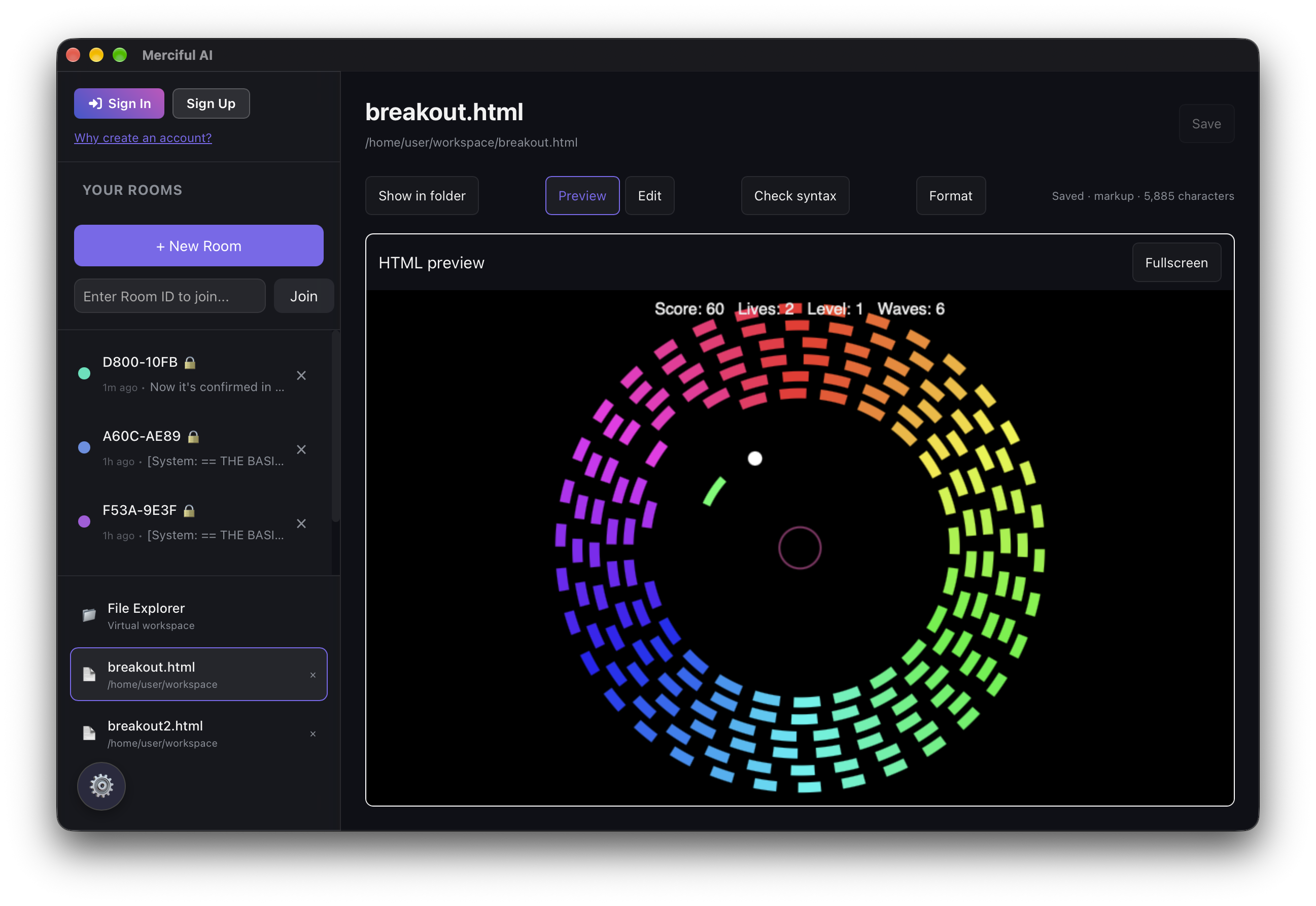
Keep a hand in the work
Start with a small idea, then follow it where it goes. Ask for a different layout, change the controls, or open a file and make the edit yourself.
Check syntax, format code, and preview unsaved HTML, CSS and JavaScript together. When you like the result, save your work and copy the code into a site or another project.
It’s a useful place to experiment whether you’re learning HTML, making something for yourself, or fitting AI into work you already do.
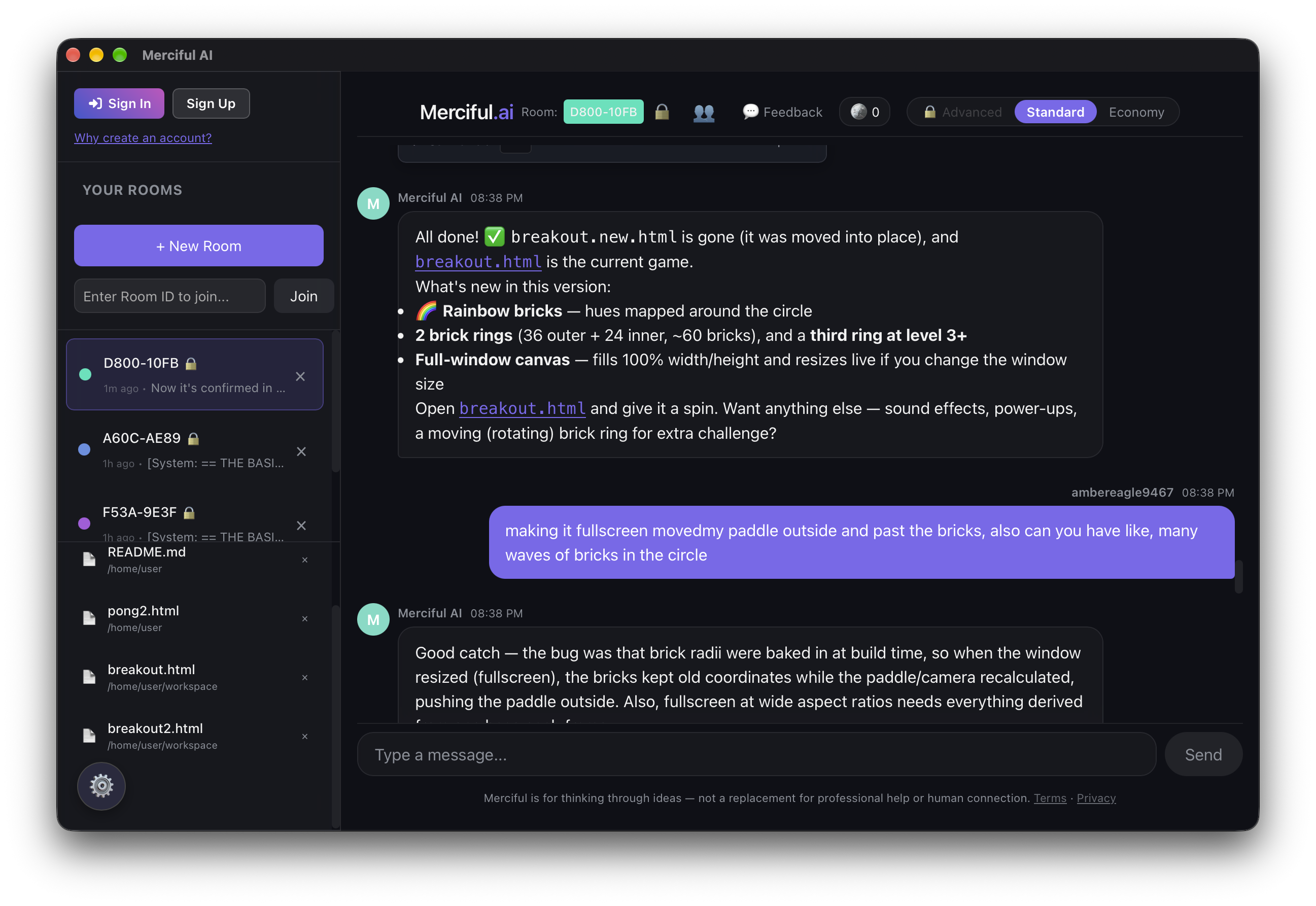
Or start with the work you already have
“Review these project notes. Summarize the decisions, open questions and next steps, with references to the source files.”
Search, read and write in your workspace. Check the sources, correct the interpretation, and ask for another pass. The files and your judgment stay part of the process.
Use the machine you have
Available builds are marked on each download page, with installation notes and a changelog. This is an early beta; availability and compatibility vary.
macOS · Windows · Linux
Keep project files on your machine, chat alongside them, and preview what you build. The desktop workspace connects the file explorer to a local folder.
Desktop downloads and changelog →
Chrome · ChromeOS · browser
Use the Chrome extension or installable web app, with files stored in that client’s browser storage. Local file tools work offline; hosted chat needs a connection.
Chrome extension and changelog →Web app and ChromeOS →
Older hardware · experimental
A portable client targeting Windows XP SP3 and later. This build uses an older runtime and needs testing on real devices; compatibility is still experimental.
Legacy availability and notes →
iOS · Android · planned
Dedicated mobile builds are planned. For now, use Merciful’s browser chat on your phone or tablet.
Mobile availability →Device-local files don’t automatically sync between clients. Keep copies of work you want to keep; browser storage can be cleared. Review file changes and model output as you go.
Make it part of your own work
Use Merciful’s hosted models, or explore the BYOM settings for a local Ollama instance or compatible endpoint. Provider support is still being tested during the beta.
Want to embed chat in your own site, or build an integration? The docs cover the widget and API, alongside the app’s files and tools. Start small and keep the pieces that are useful to you.
Built with room for your judgment
We’re a small, independent project. We want useful tools to work on more of the hardware people already have, with room to inspect, experiment, learn and make something of their own.
This beta is a chance to find the awkward parts together. A confusing step, a broken preview, a project that worked: we’d like to hear about it. You can report issues or send feedback directly in the app, too.